![TC-Logo-with-Learners-Edge-Horizontal.svg]](https://support.teachingchannel.com/hubfs/TC-Logo-with-Learners-Edge-Horizontal.svg)
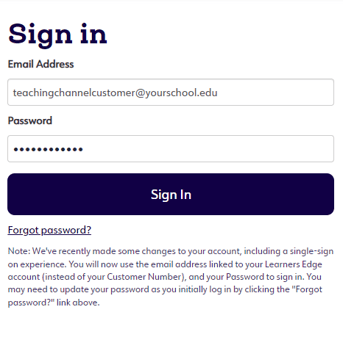
1. Click on the 'Login' button at the top of our site to log in.

2. Scroll down and enter your email and password.
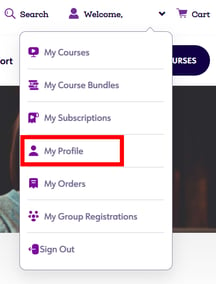
3. Click on 'My Profile' from the dropdown menu.
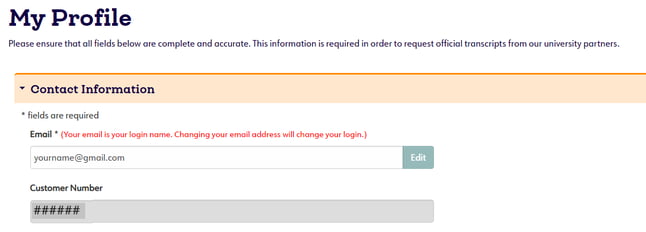
4. Scroll down and expand the 'Contact Information' section. You will find your Customer Number located below your email.
More questions? We're just a chat or phone call away.