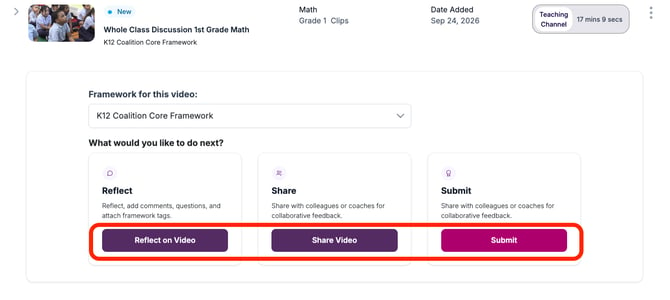
The platform offers three different Video Activities workflows. Use the descriptions below to determine which workflow best fits your needs, whether you're uploading your own video or using a video from our library.
- Reflect on a Video: Choose this option when you want to capture personal reflections and leave comments that only you can see.
- Share a Video: Choose this option when you want to share a video with one or more people, such as your PLC cohort, an instructional coach, or a mentor teacher. This workflow allows participants to leave comments and reply to one another, creating opportunities for collaboration and shared learning.
- Submit: Choose this option for a more formal coaching process. This workflow allows you to provide additional context and details about your uploaded video, generates reports, and supports more intentional tracking of professional growth over time.