
Teaching Channel provides tools to help educators and administrators monitor professional learning.
For educators:
1. Login to Teaching Channel platform.
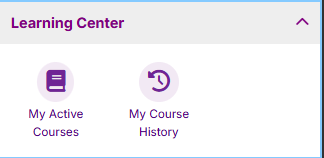
2. Click on Learning Center, click on My Course History
3. My Course History provides information on both completed course and current courses.
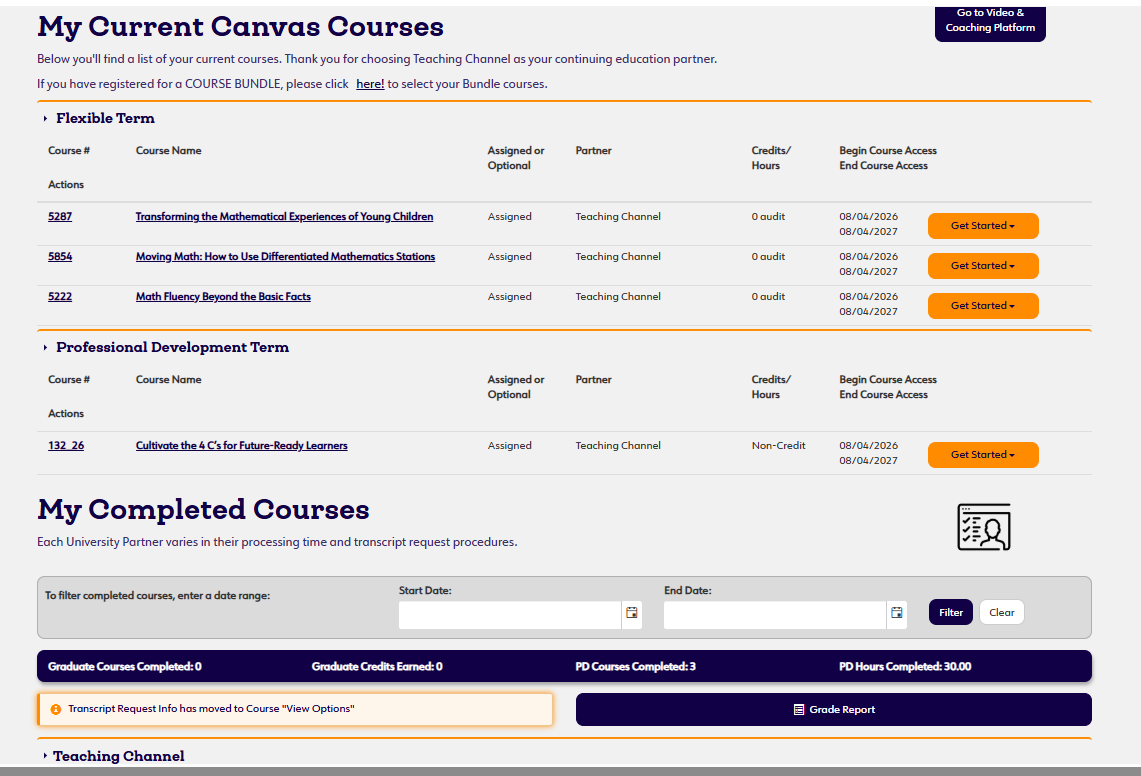
4. Access completion documentation under the View Option Button next to the completed course. Option to download or email letter for your records.

For administrators:
Reporting features may vary depending on your organization's subscription and assigned platform role.